


The Easier Way to Pay
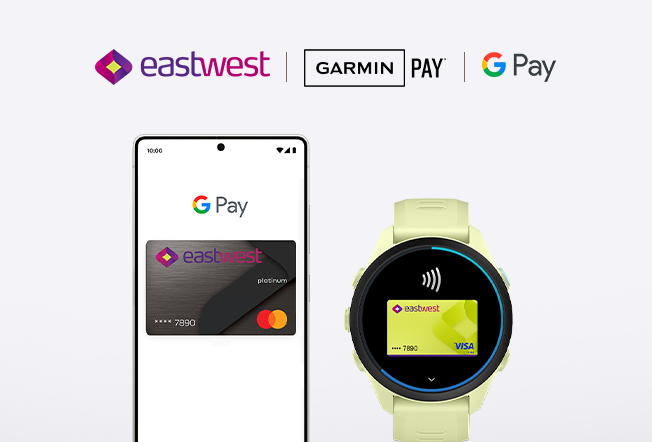
Powering secure and seamless tap to pay experience across android phones and wearables with Google Pay and Garmin Pay.
Add your EastWest Credit and Debit Card now!
Image
3 Easy Steps to Add your Card on Google Wallet
1. Open the Google WalletTM app or download it from Google PlayTM
2. Tap "Add to Wallet" and follow the instructions.
3. Verify your card if needed. Then you're all set!

Getting started on Garmin Pay
1. On the Garmin Connect App go to the device settings.
2. Select Garmin Pay and tap Get Started
3. Set and confirm your wallet passcode.
4. Add your EastWest Card and accept the Terms and Conditions.
5. Verify and wait for the confirmation that the card has been successfully added.
